
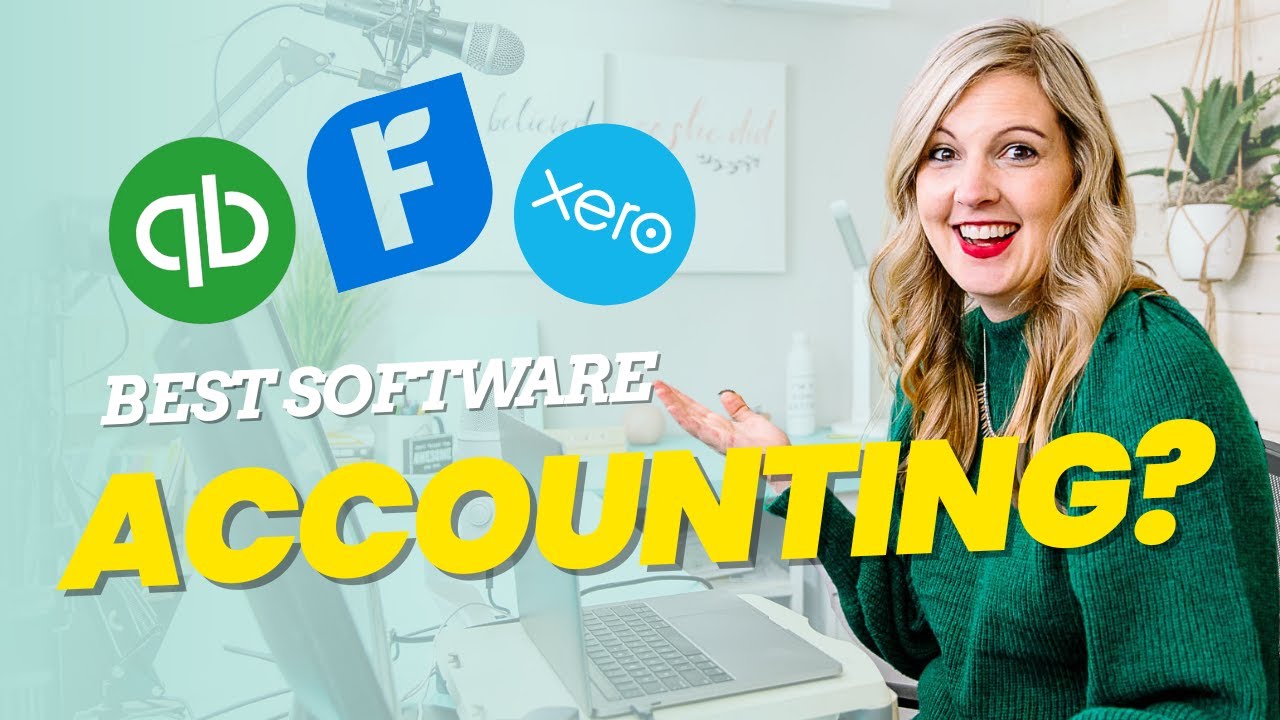
As a small business owner, managing your finances is one of the most critical tasks. Whether you’re just starting out or scaling your business, keeping track of your expenses, revenues, and taxes can be overwhelming. That’s where accounting software comes in. It simplifies the process, saving you time and ensuring you stay organized. In this blog, we will discuss the best small business accounting software available today, helping you choose the one that fits your needs.
1. Why Do Small Businesses Need Accounting Software?
Small businesses face unique challenges, from managing cash flow to dealing with tax compliance. Accounting software helps streamline these processes, allowing business owners to focus on what they do best—running their business.
Here are some reasons why small businesses need accounting software:
- Saves Time: Automates invoicing, expense tracking, and reports.
- Reduces Errors: Lessens the chance of human error in calculations.
- Financial Insights: Provides real-time financial data, helping you make informed decisions.
- Tax Compliance: Helps keep track of tax liabilities and deductions.
Now, let’s explore some of the top accounting software solutions available.
2. QuickBooks Online: The Most Popular Choice
QuickBooks Online has been a staple for small business accounting for years. Its user-friendly interface, along with powerful features, makes it a top choice for business owners.
Key Features:
- Expense Tracking: Automatically imports and categorizes your expenses.
- Invoicing & Payments: Create and send customized invoices.
- Payroll Management: Add employees and pay them directly.
- Tax Help: Calculate taxes and file them online with ease.
QuickBooks Online comes in different plans, making it suitable for businesses of various sizes.
3. Xero: Best for Cloud-Based Accounting
Xero is known for its cloud-based accounting solutions that allow you to access your financial data from anywhere. It’s particularly popular among small businesses looking for a comprehensive, flexible solution.
Key Features:
- User-Friendly Dashboard: Quick access to your financial data.
- Bank Reconciliation: Automatically matches transactions to your bank statement.
- Multi-Currency Support: Ideal for businesses with international clients.
- Integrations: Seamlessly integrates with over 800 apps.
Xero is highly customizable, making it a great option for businesses that need scalability.
4. FreshBooks: Best for Service-Based Businesses
FreshBooks is tailored for service-based businesses such as freelancers, consultants, and agencies. It’s known for its simplicity and ease of use.
Key Features:
- Time Tracking: Track time spent on projects for accurate billing.
- Expense Tracking: Manage and categorize all your expenses.
- Project Management: Collaborate with clients and teams on tasks and billing.
- Client Portal: Clients can view and pay invoices directly from the portal.
FreshBooks also offers various pricing plans, allowing you to choose the one that fits your business.
5. Wave: Best Free Accounting Software
If you’re a small business owner on a tight budget, Wave is a great option. It’s a completely free accounting software that offers essential features for managing finances.
Key Features:
- Invoice & Billing: Create and send professional invoices.
- Expense Tracking: Categorize your expenses to maintain a clear overview.
- Receipt Scanning: Scan and store receipts for better organization.
- Multi-Currency Support: Accept payments in various currencies.
Wave’s free version is an excellent option for small businesses, though it does offer paid services like payroll and payment processing.
6. Zoho Books: Best for Small Businesses with Advanced Needs
Zoho Books offers a wide range of features for small businesses with more complex accounting needs. It’s ideal for businesses that need robust financial reporting, project tracking, and advanced invoicing features.
Key Features:
- Automated Workflows: Automate billing, reminders, and payment follow-ups.
- Inventory Management: Track stock levels and create purchase orders.
- Financial Reporting: Access detailed reports, including profit and loss, balance sheet, and cash flow.
- Custom Invoices: Create branded invoices with custom fields.
Zoho Books offers a free trial, giving you the chance to test out the features before committing.
7. Sage Business Cloud Accounting: Best for Growing Businesses
Sage Business Cloud Accounting is an excellent choice for small businesses that plan to grow. It offers strong accounting tools and integrations with other Sage products, making it suitable for expanding operations.
Key Features:
- Cash Flow Management: Stay on top of your cash flow with detailed reports.
- Bank Reconciliation: Sync transactions from your bank account for easy reconciliation.
- Invoicing & Payments: Create and track invoices while accepting payments.
- Multi-User Access: Share access with your accountant or team members.
Sage is also scalable, so it can accommodate your business as it grows.
8. Square Accounting: Best for Businesses Using Square POS
Square Accounting is perfect for small businesses already using Square POS (Point of Sale). It integrates seamlessly with Square’s other services, including payment processing.
Key Features:
- Integrated POS: Syncs automatically with Square POS, making transactions easier to track.
- Invoice Management: Create and send invoices that reflect payments made through Square.
- Real-Time Data: Access live financial data from any device.
- Mobile Access: Manage your finances from Square’s mobile app.
Square Accounting is ideal for businesses with a strong retail or in-person presence.
9. Kashoo: Best for Simplicity
If you’re looking for something extremely simple and straightforward, Kashoo is a great option. It’s a no-frills accounting software that’s perfect for freelancers and very small businesses.
Key Features:
- Simple Interface: Easy-to-use dashboard for managing your finances.
- Automatic Categorization: Automatically categorizes transactions.
- Invoicing & Reporting: Create invoices and access financial reports with a click.
- Bank Syncing: Automatically sync transactions from your bank accounts.
Kashoo’s simplicity makes it an excellent option for those just starting out.
10. What to Consider When Choosing Accounting Software
Choosing the right accounting software is not a one-size-fits-all decision. Consider these factors before making your choice:
- Ease of Use: Is the software easy to navigate and intuitive?
- Features: Does the software offer the features you need (invoicing, payroll, tax filing)?
- Integrations: Does it integrate with other tools you use, like CRM or POS systems?
- Support: Is customer support readily available in case you need help?
Make sure the software you choose fits your business’s needs, both now and as it grows.
1. Accounting Software for Freelancers vs. Small Businesses
Freelancers often need simpler accounting software with a focus on invoicing and expense tracking. Small businesses, however, may need more comprehensive tools, including inventory tracking and payroll management.
2. Benefits of Cloud-Based Accounting Software
Cloud-based accounting software offers the benefit of accessibility from anywhere, automatic updates, and secure data storage. These features are ideal for small businesses with multiple team members or those working remotely.
3. How to Set Up Your Accounting Software
Setting up your accounting software requires linking your bank accounts, creating an initial chart of accounts, and entering your business information. Most software providers offer step-by-step guides to make this process as easy as possible.
4. Managing Taxes with Accounting Software
One of the most important features of accounting software is its ability to track tax liabilities and help you file taxes. Many programs calculate sales tax, track deductible expenses, and even integrate with tax filing software.
5. How to Choose Between Free and Paid Accounting Software
While free accounting software can be tempting, it often comes with limitations in features and support. Paid software usually offers more robust tools, integrations, and customer support, making it worth the investment for many businesses.
FAQs
1. What is accounting software?
Accounting software is a digital tool that helps businesses manage their financial records, including tracking income and expenses, generating invoices, managing payroll, and producing financial reports.
2. Which is the best accounting software for small businesses?
The best accounting software for small businesses depends on your needs. QuickBooks Online, Xero, FreshBooks, and Wave are all great options, with each offering unique features.
3. Can I use free accounting software for my business?
Yes, free accounting software like Wave is a good choice for very small businesses with basic needs. However, as your business grows, you may need to upgrade to paid software with more advanced features.
4. How do I choose the right accounting software for my business?
Consider your business size, industry, and specific accounting needs. Look for software that offers the features you need, such as invoicing, expense tracking, and tax management, and that integrates with other tools you use.
5. What are the benefits of using cloud-based accounting software?
Cloud-based accounting software allows you to access your financial data from anywhere, provides automatic updates, and ensures your data is securely backed up.
6. Can accounting software help with taxes?
Yes, many accounting software programs include tax management features, such as calculating sales tax, tracking deductible expenses, and helping you file your taxes.
7. How secure is accounting software?
Reputable accounting software providers use encryption and secure servers to protect your financial data. Always ensure the software you choose is from a trusted provider.
8. Is it difficult to set up accounting software?
Setting up accounting software is typically straightforward, especially with cloud-based options. Most software providers offer step-by-step guides and customer support to help you get started.
9. Do I need an accountant if I use accounting software?
Accounting software can reduce the need for an accountant, but for complex financial situations, it’s still a good idea to consult with a professional.
10. Can I switch accounting software later?
Yes, you can switch accounting software later, but it’s important to migrate your data carefully. Most accounting software providers offer tools or services to help with data transfer.
Conclusion:
Choosing the right accounting software is crucial for managing your business finances. Whether you’re looking for something simple and free or a more advanced tool, there’s an option out there for every small business. Evaluate your needs, try out some software, and choose the one that will help your business thrive!
