

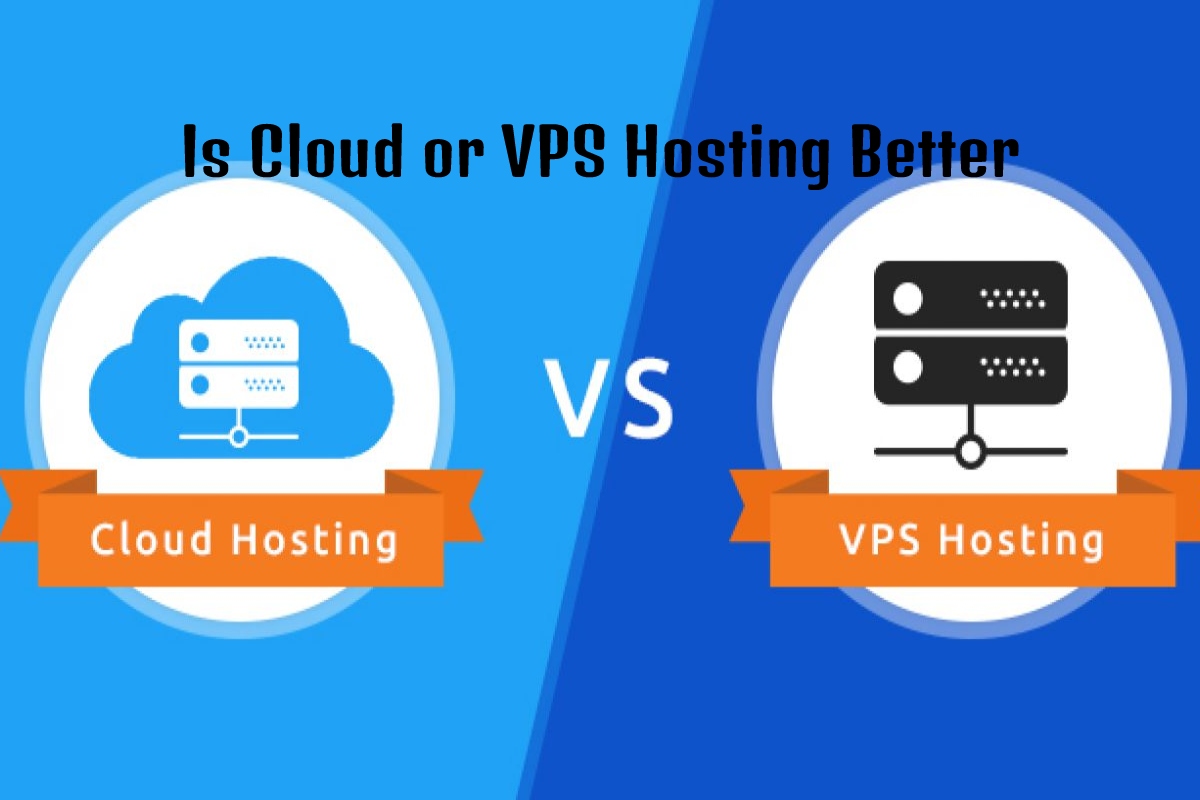
Choosing the right hosting solution is one of the most important decisions for any website owner. Whether you are launching a personal blog, an e-commerce store, a business website, or a large web application, your hosting choice directly affects your site’s speed, uptime, security, and overall user experience.
Many website owners find themselves comparing cloud hosting and traditional hosting. While both options can host websites successfully, they work differently and offer unique advantages and disadvantages.
In recent years, cloud hosting has gained significant popularity because of its flexibility and scalability. However, traditional hosting remains a reliable and affordable option for many website owners.
So, which one is better? The answer depends on your website’s needs, budget, traffic levels, and future growth plans.
In this detailed guide, we will compare cloud hosting vs traditional hosting and help you determine the best option for your website.
What Is Cloud Hosting?
Cloud hosting is a hosting solution that uses multiple connected servers to store and manage website data.
Instead of relying on a single physical server, cloud hosting distributes resources across several servers. If one server experiences issues, another server takes over automatically.
This setup provides:
- Better reliability
- Improved uptime
- Flexible resource allocation
- Higher scalability
Cloud hosting is commonly used by growing businesses, e-commerce websites, SaaS platforms, and high-traffic websites.
What Is Traditional Hosting?
Traditional hosting refers to hosting services that rely on a single physical server.
Common types include:
- Shared Hosting
- VPS Hosting
- Dedicated Hosting
In traditional hosting, your website operates from one specific server.
If that server encounters technical problems, your website may experience downtime until the issue is resolved.
Traditional hosting remains popular because it is simple, affordable, and easy to manage.
How Cloud Hosting Works
Cloud hosting uses a network of virtual servers connected through cloud infrastructure.
Distributed Resource Management
Resources such as CPU, RAM, and storage are distributed across multiple machines.
This allows websites to access additional resources whenever needed.
Automatic Failover Protection
If one server fails, another server immediately takes over operations.
This minimises downtime and improves reliability.
Businesses that require continuous availability often choose cloud hosting for this reason.
How Traditional Hosting Works
Traditional hosting relies on one physical server for all website operations.
Fixed Resource Allocation
The website receives a predefined amount of resources.
Examples include:
- Storage space
- Memory
- Processing power
- Bandwidth
If traffic exceeds available resources, website performance may decline.
Traditional hosting works well for websites with predictable traffic levels.
Performance Comparison
Website speed is a major ranking factor and directly affects user experience.
Cloud hosting generally delivers better performance because resources can scale dynamically.
Benefits include:
- Faster page loading
- Better traffic handling
- Reduced server overload
Traditional hosting performance depends on server quality and resource availability.
For small websites, the performance difference may be minimal. However, larger websites often benefit significantly from cloud infrastructure.
Scalability and Growth Potential
One of the biggest advantages of cloud hosting is scalability.
As your website grows, you can increase resources instantly without significant downtime.
Benefits include:
- Flexible scaling
- Traffic spike management
- Business growth support
Traditional hosting usually requires the following:
- Server upgrades
- Hosting plan changes
- Potential migration processes
Cloud hosting is often the better choice for websites expecting rapid growth.
Reliability and Uptime
Website downtime can result in lost visitors and revenue.
Cloud hosting provides superior uptime because multiple servers work together.
Redundancy Advantages
Redundancy means backup systems are available if one server fails.
Advantages include:
- Improved uptime
- Better reliability
- Reduced service interruptions
Traditional hosting lacks the same level of redundancy because operations depend on a single server.
For mission-critical websites, uptime is often a deciding factor.
Security Features
Security should always be a top priority.
Cloud hosting providers often include the following:
- Advanced firewalls
- DDoS protection
- Automated backups
- Security monitoring
Traditional hosting also offers security features, but protection levels vary depending on the provider.
Both hosting types can be secure when managed properly.
However, cloud providers typically invest heavily in enterprise-level security infrastructure.
Cost Comparison
Budget is an important consideration when selecting hosting.
Traditional hosting is usually more affordable for beginners.
Typical advantages include the following:
- Lower monthly fees
- Simple pricing
- Easy setup
Cloud hosting often uses pay-as-you-go pricing.
You only pay for resources you consume.
While cloud hosting may cost more initially, it can provide better value for growing businesses.
Which Hosting Is Best for Different Websites?
The ideal hosting solution depends on your website type.
Cloud Hosting Is Best For:
- Ecommerce stores
- SaaS platforms
- High-traffic blogs
- Business websites
- Growing startups
Traditional Hosting Is Best For:
- Personal blogs
- Small business websites
- Portfolio websites
- New websites with limited budgets
Choosing the right solution requires understanding your current needs and future goals.
Final Verdict – Cloud Hosting vs Traditional Hosting
Both cloud hosting and traditional hosting have strengths and weaknesses.
Cloud hosting offers:
- Better scalability
- Higher reliability
- Improved uptime
- Flexible resource allocation
Traditional hosting offers:
- Lower costs
- Simpler management
- Easy setup for beginners
If your website expects significant growth or traffic fluctuations or requires maximum uptime, cloud hosting is usually the better choice.
If you operate a small website with predictable traffic and a limited budget, traditional hosting can still provide excellent value.
The best hosting solution is the one that aligns with your website’s current needs while supporting future growth.
Conclusion
When comparing cloud hosting vs traditional hosting, there is no universal winner. The right choice depends on your business goals, website size, expected traffic, and budget.
Cloud hosting excels in scalability, reliability, and performance, making it ideal for growing websites and businesses. Traditional hosting remains a cost-effective and dependable option for smaller websites.
Before making a decision, evaluate your current requirements and long-term growth plans. Investing in the right hosting environment today can help ensure your website performs successfully for years to come.
Frequently Asked Questions (FAQs)
1. What is the main difference between cloud hosting and traditional hosting?
Cloud hosting uses multiple servers, while traditional hosting relies on a single server.
2. Is cloud hosting faster than traditional hosting?
In most cases, cloud hosting offers better performance and faster load times.
3. Which hosting type is more reliable?
Cloud hosting is generally more reliable due to server redundancy.
4. Is cloud hosting more expensive?
Cloud hosting can cost more, but pricing often depends on resource usage.
5. Can small websites use cloud hosting?
Yes, cloud hosting works for websites of all sizes.
6. Is traditional hosting still relevant in 2026?
Yes, traditional hosting remains suitable for many personal and small business websites.
7. Which hosting is better for e-commerce websites?
Cloud hosting is often preferred because of its scalability and uptime.
8. Does cloud hosting improve SEO?
Faster load speeds and improved uptime can positively impact SEO performance.
9. Is migration from traditional hosting to cloud hosting difficult?
Most hosting providers offer migration tools and support to simplify the process.
10. Which hosting should beginners choose?
Beginners with small websites often start with traditional hosting and upgrade as needed.
